
Fan translation
The Lost Vikings Russian translation
A complete Russian translation of the classic Super Nintendo puzzle platformer: every line, hint, menu and the credits.
Lost Vikings.exe runs it on Windows in one click, and an IPS patch is there for any emulator.
Screenshots
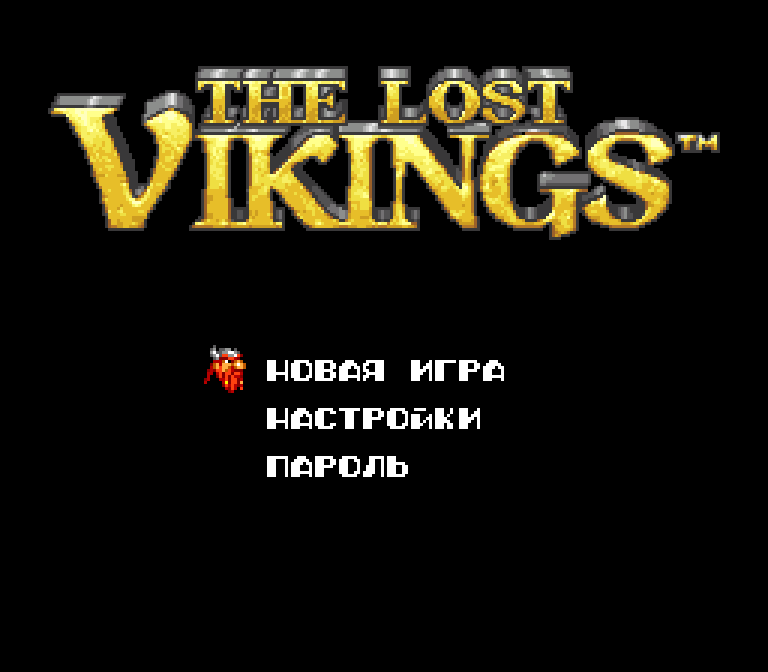
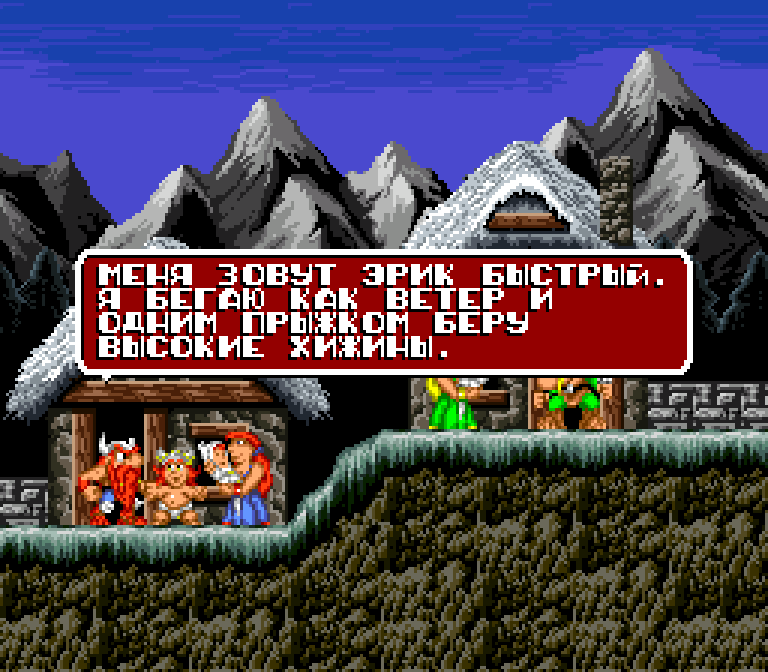
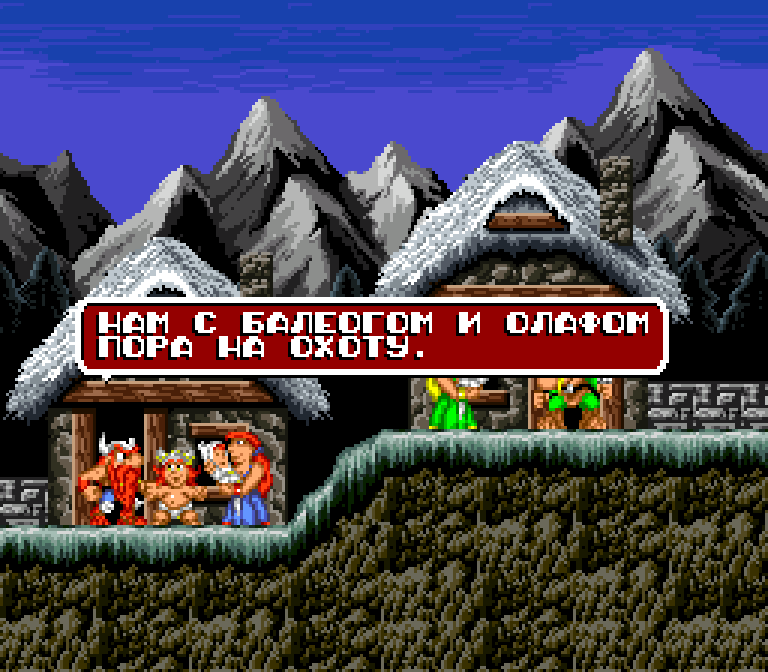
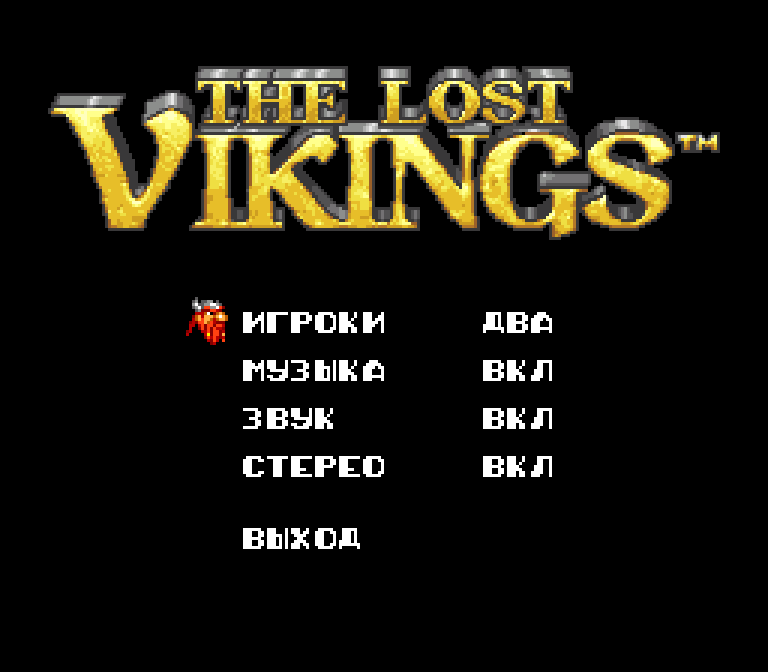
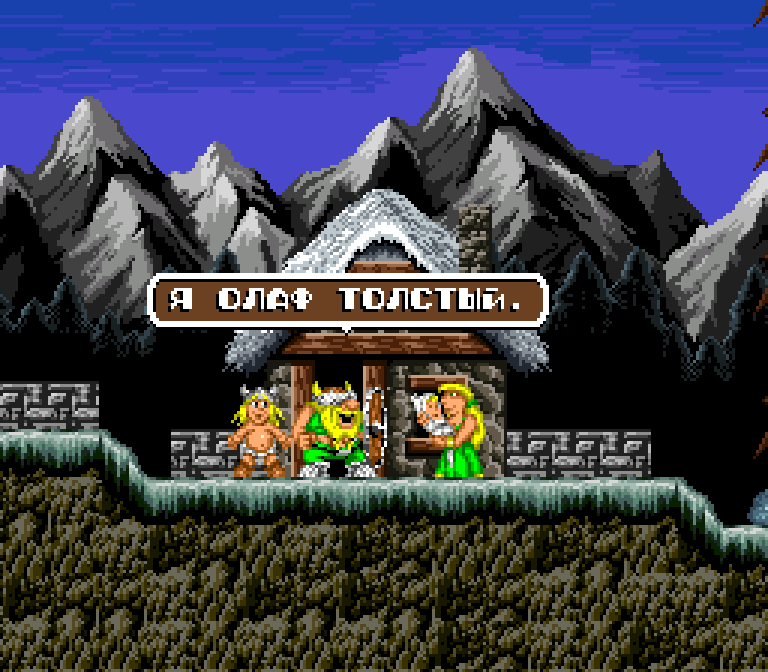
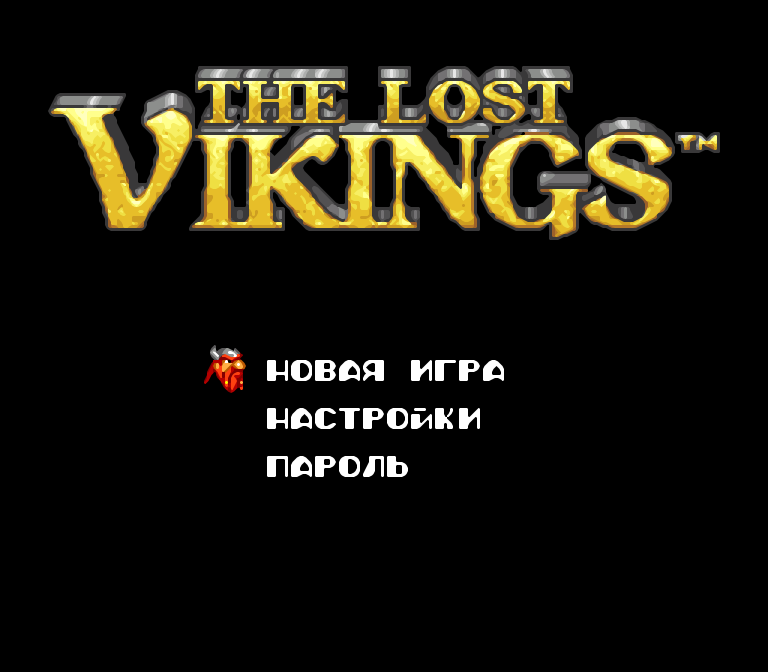
What is translated
Every line
All 388 lines of the game: the heroes’ talk, hints, messages, menus and the credits.
Cyrillic in the game’s font
21 new letters, drawn in the style of the original font.
Text boxes
The dialogue boxes are resized to fit the Russian text.
A Windows version
Lost Vikings.exe runs the game with nothing to install and no separate emulator.
How to play
On Windows
- Download the archive and unpack it to any folder.
- Start Lost Vikings.exe.
- The first time, point it to your ROM file, or just put the ROM next to the exe and it will be found. The path is remembered.
Good to know
The translation is applied in memory: your ROM file isn’t changed.
In your own emulator
IPS patch
Apply Lost Vikings (RU).ips to the ROM with any IPS patcher, such as Lunar IPS or ROM Patcher JS.
Without patching
Put the patch next to the ROM under the same name: many emulators apply it by themselves.
The Windows version
- Three picture modes (F2): xBRZ smoothing, an NTSC TV look with scanlines, and sharp pixels.
- Full screen or a window (F11 or Alt+Enter), quick saves (F5 and F9).
- An Xbox gamepad works right away.
Requirements
| Game | Your own ROM of The Lost Vikings, the US version, unchanged |
|---|---|
| CRC32 | 6838BE08 |
| ROM size | 1,048,576 bytes; a .smc with a 512-byte header works too |
| Won’t work | The European and Japanese versions |
| System | Windows 10 or 11, 64-bit |
Controls in Lost Vikings.exe
| Arrows | Move |
|---|---|
| V | A button: action — switches, levers, talking, hints |
| C | B button |
| X | Y button: attack or the viking’s skill |
| D | X button: use the chosen item |
| A, S | L and R buttons: switch vikings |
| Enter | Select: the inventory |
| Space | Start: pause, choose in menus |
| F1 | Controls help |
| F2 | Picture mode |
| F5, F9 | Save, load |
| Alt+Enter, F11 | Full screen or window |
| Alt+F4 | Quit |
An Xbox gamepad (XInput): bottom button B, right A, left Y, top X, Back is Select, Start is Start.
Questions
Is the game in the archive?
No. The archive holds only the translation, Lost Vikings.exe and the patch. You need your own ROM of the US version, for example dumped from your own cartridge.
Windows says “Windows protected your PC”
The program isn’t signed with a paid certificate yet, so SmartScreen doesn’t know it. Click More info, then Run anyway.
Why do hints say ‘A’ or ‘SELECT’?
The game names the buttons of the SNES pad. On the keyboard A is V, B is C, Y is X, X is D, and SELECT is Enter.
Where are my saves?
Quick saves (F5, F9) and the settings are kept in %APPDATA%\LostVikingsRU. The game also shows a password at the start of every level: enter it in the ПАРОЛЬ menu.
Is the source code available?
Yes: the Windows shell, the translated text and the tools that build the patch are in the source archive. It is published because the xBRZ filter is under GPL v3.
Found a mistake?
Tell us about a typo, a wrong word or a line that doesn’t fit its window. We’ll fix it in the next version.